What the Old VALORANT AimTooling Config Claim Actually Means
Written by Valorant Village
Source-backed coverage ●
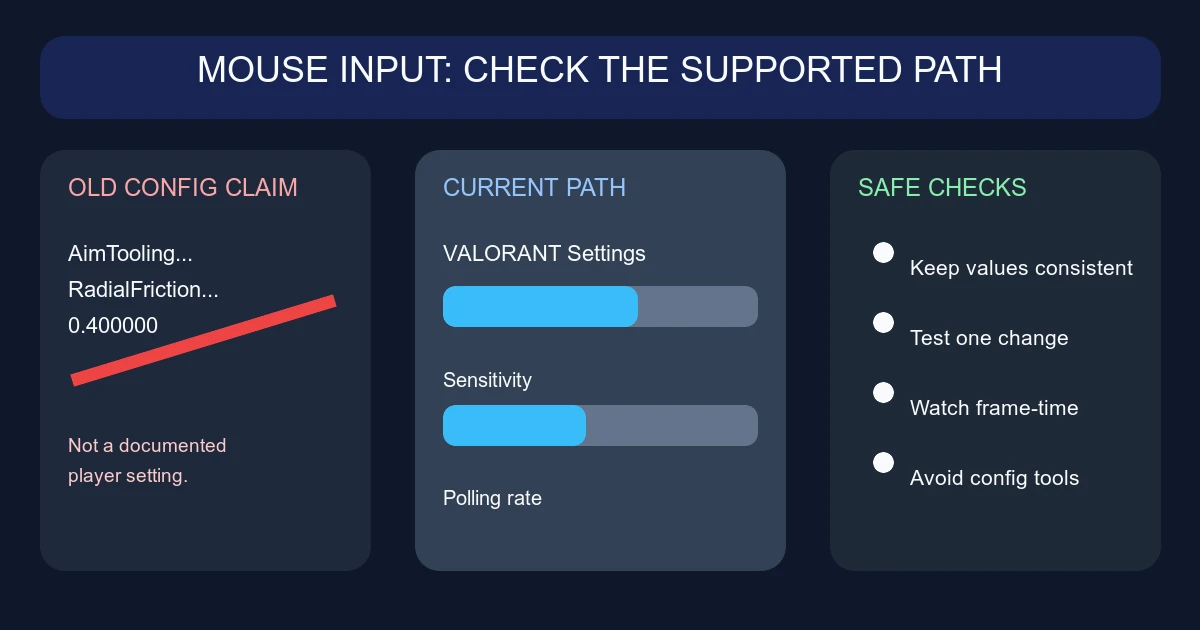
That old headline about Riot “nerfing us in the configs” came from a Reddit post built around this string:
AimToolingRadialFrictionBaseSpeedMultiplierX=0.400000
It looks technical. It is also a poor basis for a gameplay claim. Riot has never documented that line as a player-facing VALORANT setting, published what the 0.400000 value means, or said that it controls a hidden aim nerf. An internal-looking name in a config dump is not proof that the game is changing your mouse in that way.
The practical answer is simpler: do not edit game files to chase this value. Use the settings Riot exposes, then test the result in a controlled way.
What Riot actually documented
The closest official trail is Raw Input Buffer, not the old AimTooling string. In Patch 3.07 on October 5, 2021, Riot introduced Raw Input Buffer as a beta setting. Riot said VALORANT had used Raw Input for devices since launch, and that the new option changed which APIs processed that input. The expected result was a minor performance improvement with identical input latency for standard input devices and gaming mice. Riot called out a larger performance improvement for mice with an 8000Hz polling rate.
In Patch 7.12, published December 5, 2023, Riot removed the beta label and changed Raw Input Buffer’s default from off to on. Existing player values were not changed by that note.
Then the toggle disappeared. Patch 11.06 on September 16, 2025 says the RawInputBuffer setting was removed and would be enabled for everyone because it was more performant. That is the current direction: there is no supported “turn Raw Input Buffer off” fix to try on PC.
Riot also refreshed the PC Settings screens in Patch 12.07 on April 14, 2026. If a guide points you to an old menu layout, the labels and grouping may no longer match what you see. The latest patch notes checked for this guide, 13.02, do not restore the old toggle or document the AimTooling string as a player option.
What the old value does not tell you
The words “radial friction” invite a particular theory: perhaps the game slows the mouse near the centre of the screen, or a multiplier quietly changes how quickly your aim starts moving. That is speculation. The name alone does not tell us whether it was a live gameplay variable, a test value, a leftover label, or something used by an internal tool.
There is no responsible replacement number to paste into a file. A value copied from someone else’s config can also become stale after an update, trigger file repair, or create a problem that looks like an input bug. More importantly, editing files or using an “unlock” utility to reach hidden settings is not normal mouse troubleshooting. Leave those tools alone.
Safe checks for mouse input problems
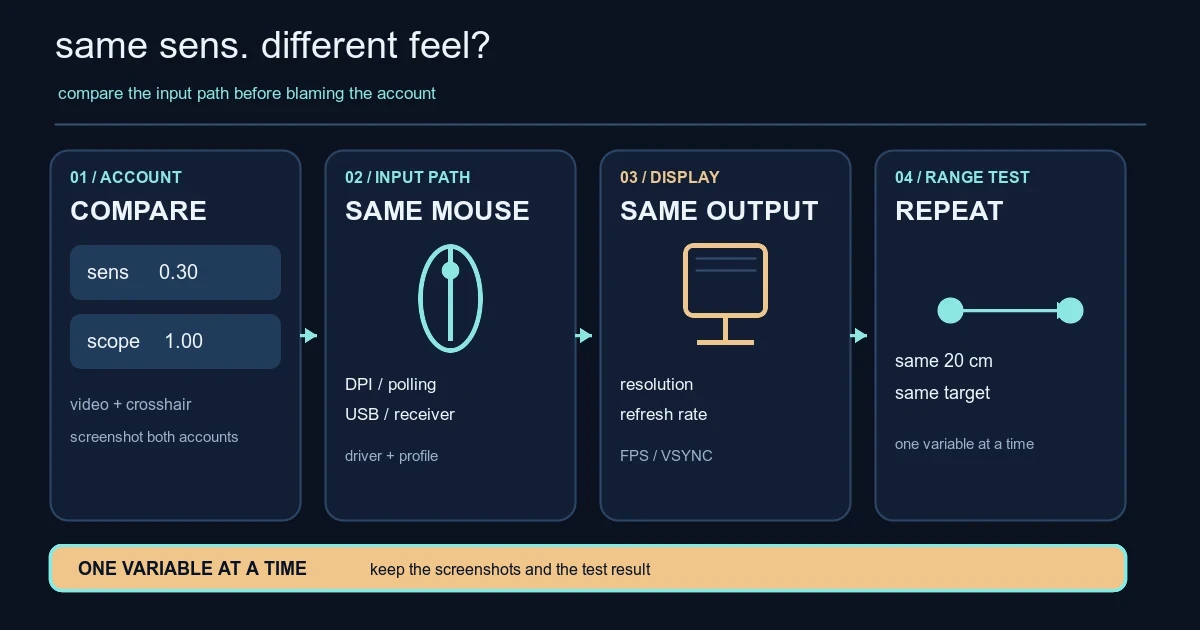
Start in VALORANT’s current Settings menu. Check that your sensitivity, scoped sensitivities and keybinds are what you intended. Write them down before changing anything. Riot’s Settings refresh means the exact placement may differ from older videos, so use the labels and hover help in the client rather than hunting for a screenshot from 2021.
Next, change one thing at a time:
- Keep your mouse DPI and polling rate fixed for the test. If you use an 8000Hz mouse, try a lower polling rate temporarily as a diagnostic, not as a magic “better aim” setting. Riot’s 3.07 explanation was about input-processing performance, not a promise that every player will aim better at the highest rate.
- Test the same sensitivity in the Range for a few minutes. Try slow tracking, a few controlled flicks and repeated turns. If the problem appears only in a match, note the map, frame rate and network graphs instead of changing five settings at once.
- Check frame-time stability. A high average FPS can still feel bad when frames arrive unevenly. Close overlays and background capture tools for one test, then compare the feel.
- Try another USB port and, if possible, another mouse. Keep the mouse software and firmware current, but avoid installing tools that promise hidden VALORANT settings or recoil/aim changes.
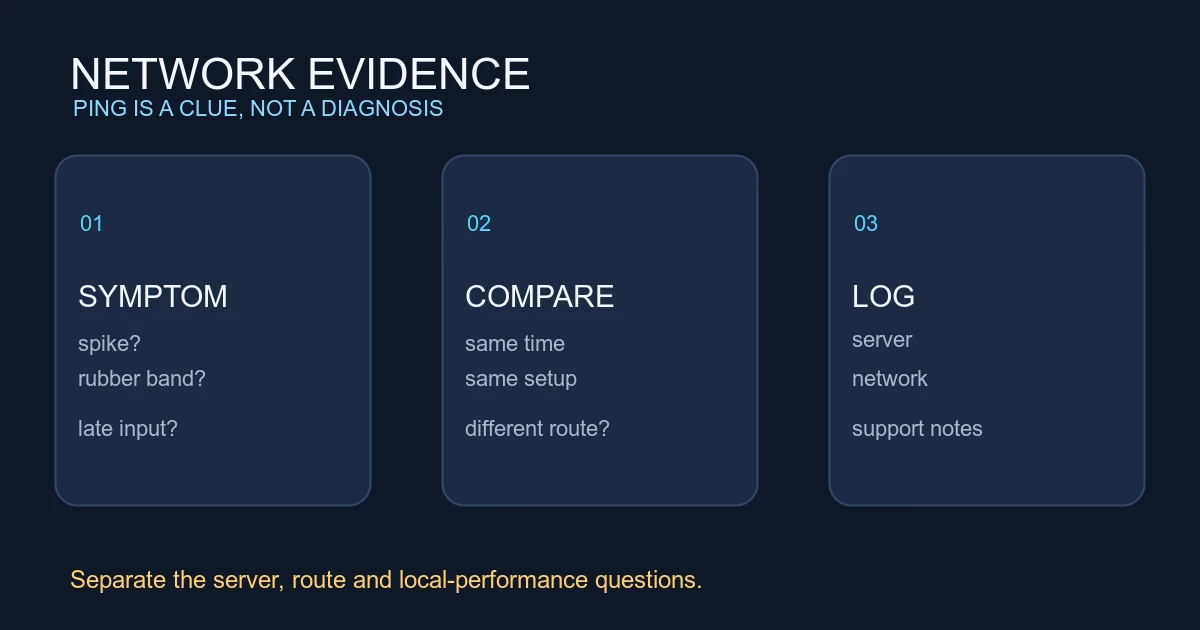
If the cursor feels normal in the Range but shots or movement feel delayed online, record the match time and connection conditions. That points to a problem worth separating from mouse sensitivity. If input feels wrong everywhere, test the mouse outside the game and inspect the cable, sensor surface and operating-system pointer settings.
A sensible baseline
Use a sensitivity you can reproduce, a polling rate your system handles without frame-time spikes, and the current in-game options. Save a screenshot or written note of the values before experimenting. Make one change, test it, and put it back if the result is worse.
The old AimToolingRadialFrictionBaseSpeedMultiplierX line does not give you a secret setting to fix. Riot’s public notes give us a much firmer conclusion: input processing has been moved toward a built-in, always-enabled path, while the supported troubleshooting work is in the client, the device and the performance conditions around it.
Once the input path is stable, compare the setting with our crosshair code import guide and resolution and aspect-ratio guide. Those cover the visible setup; this page is about removing a false configuration lead.
Official notes
- Patch 3.07, October 5, 2021: Raw Input Buffer beta introduced.
- Patch 7.12, December 5, 2023: beta label removed and default changed to on.
- Patch 11.06, September 16, 2025: RawInputBuffer removed as a configurable PC setting.
- Patch 12.07, April 14, 2026: PC Settings screens refreshed.