Triangle Crosshair in VALORANT: Setup and Drawbacks
Written by Valorant Village
Source-backed coverage ●
A triangle crosshair can be useful because it gives the eye a clear centre and a shape that feels different from the default lines. It can also become a small, bright object that attracts attention away from the head level you are trying to hold. The shape is not the improvement. The test is.
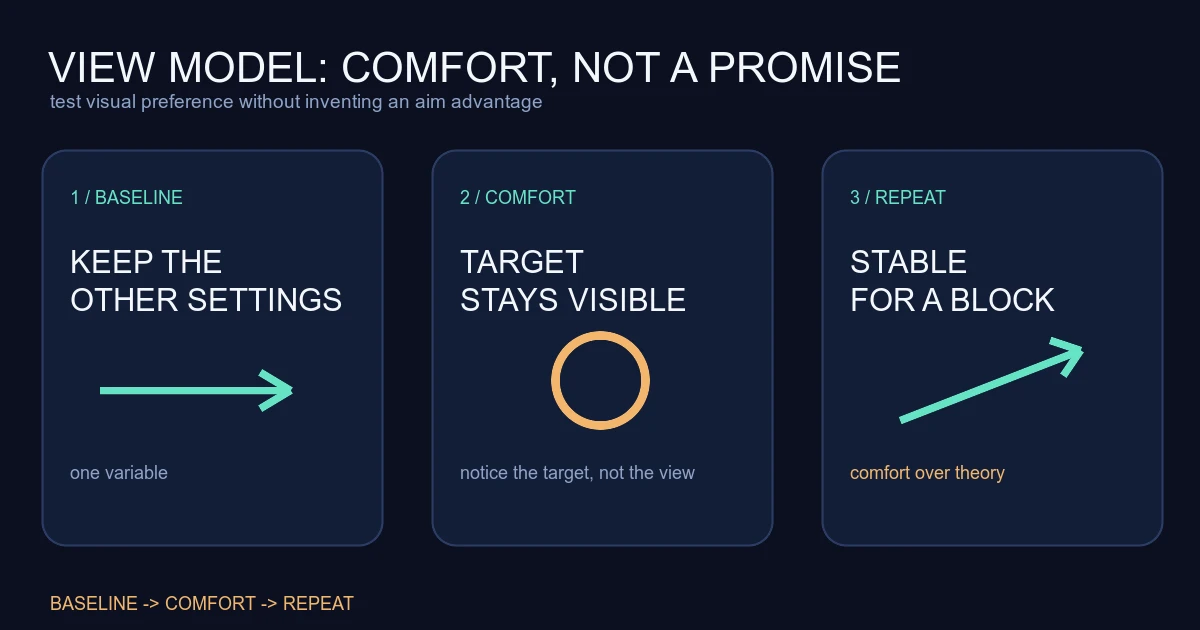
Treat the triangle as a visual setting, not an aim system. If it makes your first shot easier to place without hiding the target, keep it. If you spend every round noticing the crosshair, change it back.
What Riot's settings history confirms
Riot's Patch Notes 5.04 documented several crosshair quality-of-life changes. Riot added custom crosshair colours, independent horizontal and vertical line tuning, a spectated-player copy command, and more saved profiles. These features make experimentation easier. Riot did not say that one crosshair shape improves accuracy.
The triangle setup and readability tests below are Valorant Village coaching interpretation. The client is the final source of truth for the labels and options available on your current platform.
Build the smallest triangle first
Start with a simple shape. Use a small inner gap, short lines, and a colour that contrasts with the maps you play most. If you add outlines, keep them thin enough that the centre does not become a dark square. If you use a centre dot, check that it does not cover the point you want to place on the target.
The exact values are less important than the relationship between them. A triangle that is too large can cover a head at close range. One that is too thin can disappear in bright utility. A heavy outline can make the shape readable while also making it harder to see a small target behind it.
Riot's independent horizontal and vertical controls are useful here. Make one change at a time and save the profile. That gives you a way back when the new version feels interesting in the settings menu but distracting in a fight.
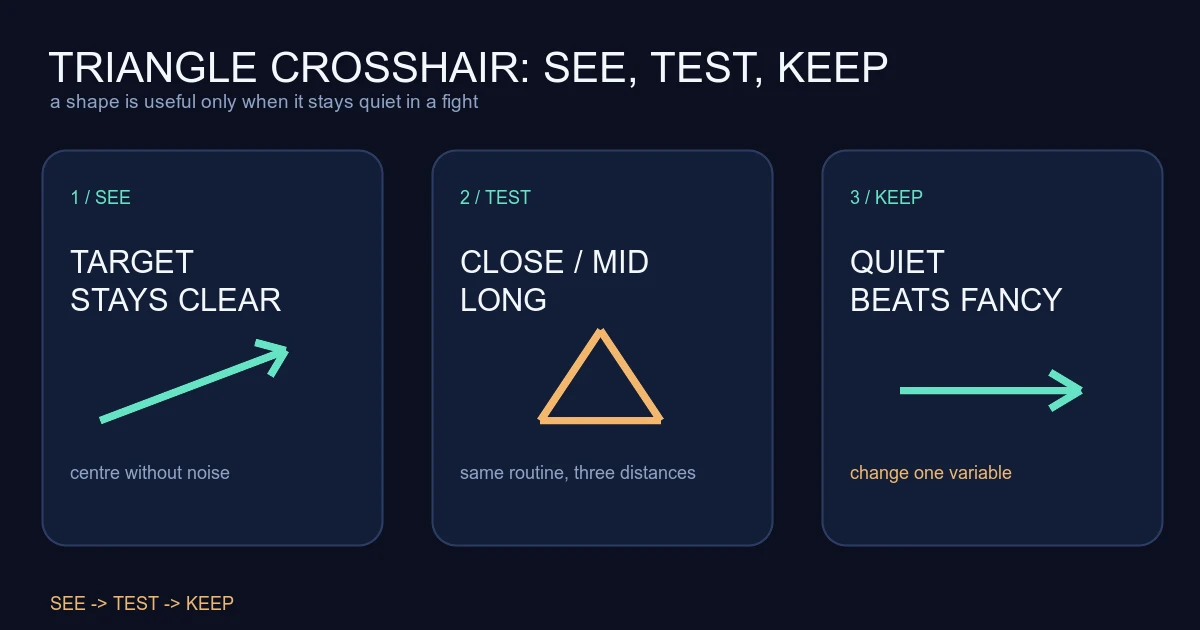
Test it at three distances
Do not judge the crosshair in the practice range alone. Run a short test at three distances:
- Close: Can you see the head without the triangle covering it?
- Medium: Can you keep the centre on a moving target while stopping and firing?
- Long: Does the shape remain visible without becoming the most noticeable thing on screen?
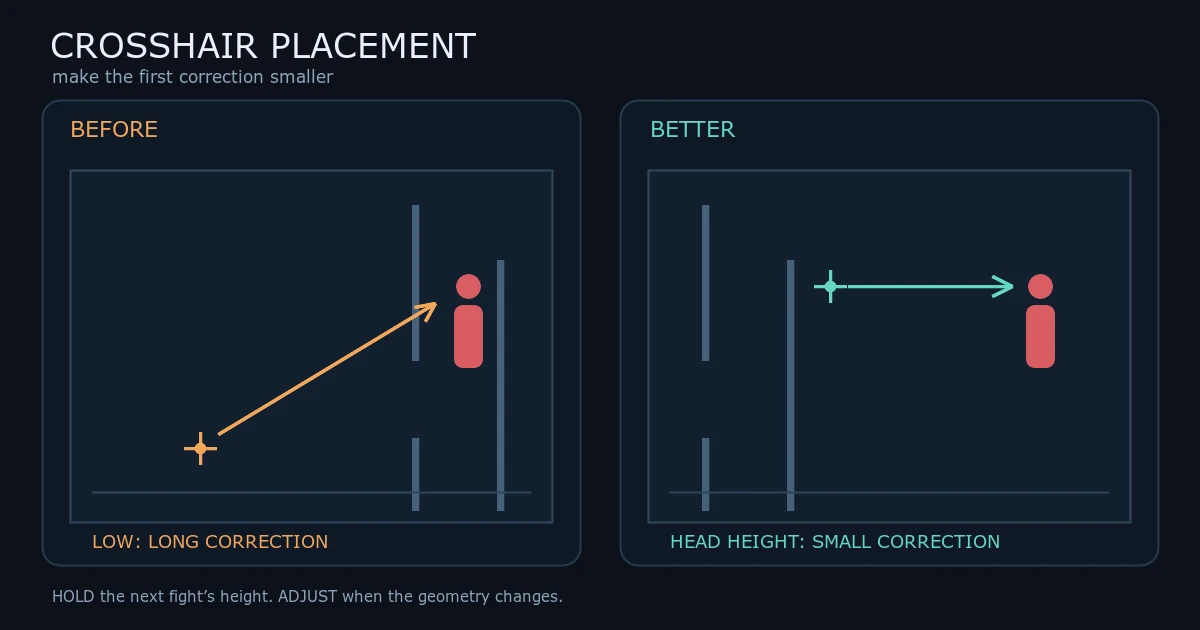
Take the same weapon and do the same movement for each version. The crosshair placement guide is more important than the shape. If the crosshair is low or the route is wrong, a triangle only makes the mistake more decorative.
Use a deathmatch or a small custom drill after the range. You are not trying to prove that the triangle wins. You are checking whether your first adjustment is easier to see and whether the shape stays quiet during a real fight.
The main drawback is visual noise
Triangle crosshairs often become crowded through small additions. A centre dot, outline, firing error, movement error, outer lines and a bright colour can turn the centre of the screen into a warning sign. That may feel precise while standing still and become messy when the map fills with effects.
Disable movement and firing error while you test the base shape unless you have a specific reason to keep them. Those indicators can teach a new player something, but they also change the silhouette when the player is already trying to read a target. A stable shape is easier to evaluate.
Contrast can also fail in both directions. A grey crosshair may vanish on a wall. A bright green or yellow version may be visible but pull the eye away from the enemy. Try it on the maps, sites and utility colours you actually encounter, not just on an empty background.
Do not use settings to chase a bad feeling
If a sensitivity change made your aim feel strange, changing the crosshair at the same time removes useful evidence. The sensitivity-between-accounts guide explains why settings can feel different without proving that the game secretly changed your aim. Keep one variable stable while you test another.
Give the triangle a full session before judging it, unless it actively blocks your view. Record simple observations: first-shot clarity, target visibility, and whether you noticed the crosshair during a duel. Avoid a win-loss verdict from one match. Teammates, opponents and map selection make that result noisy.
If the triangle is readable but your crosshair placement is late, fix the route and angle order. If it is readable at range but disappears in utility, adjust contrast or reduce the shape. If it is always in your attention, make it smaller or return to a simpler profile.
Sources checked
- Riot Games VALORANT Patch Notes 5.04, published 2022-08-23 and checked 2026-08-15 UTC. Used for the documented crosshair customisation, independent line controls, profile copying and profile count changes.
The triangle construction, distance tests, visual-noise warnings and practice method are Valorant Village coaching interpretation, not a Riot-recommended crosshair or aim guarantee.