VALORANT Resolution and Aspect Ratio: A Testable Settings Guide
Written by Valorant Village
Source-backed coverage ●
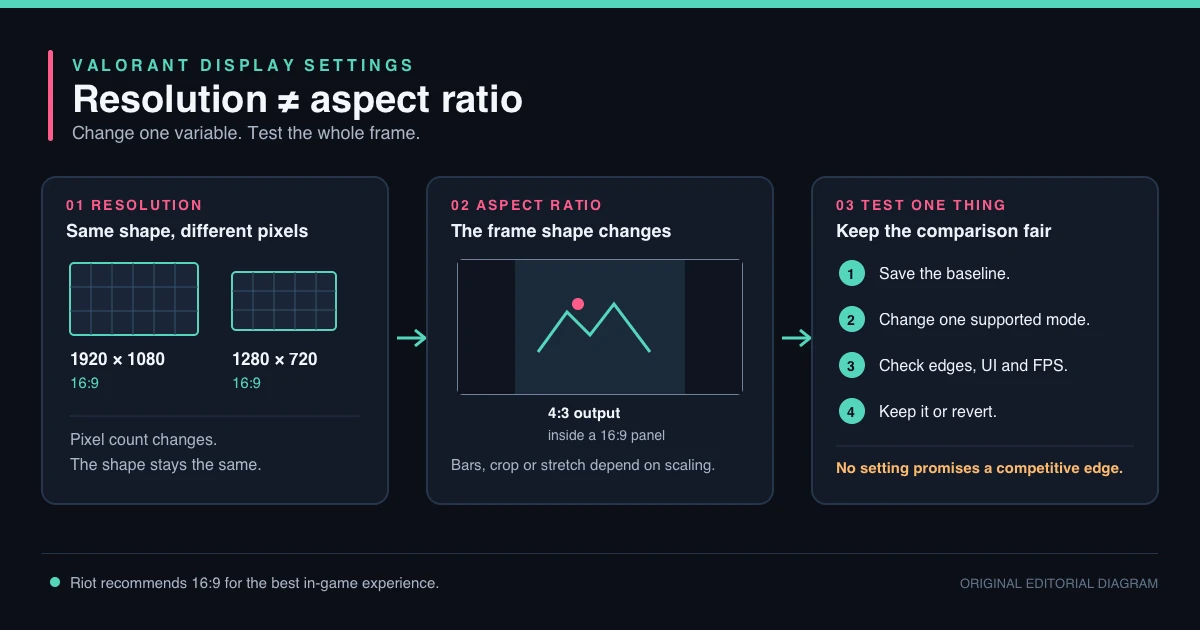
Resolution and aspect ratio arguments usually promise a shortcut. One player says stretched visuals make targets easier to hit. Another says native resolution is the only honest way to play. A third changes the setting every time a match feels slow.
The useful answer is less absolute. A display setting changes what you see and how comfortable the image feels. It does not turn a late crosshair into a ready one, and it does not prove that an opponent's hitbox changed. Test the setting as a visual and performance choice.
Start with a clean baseline
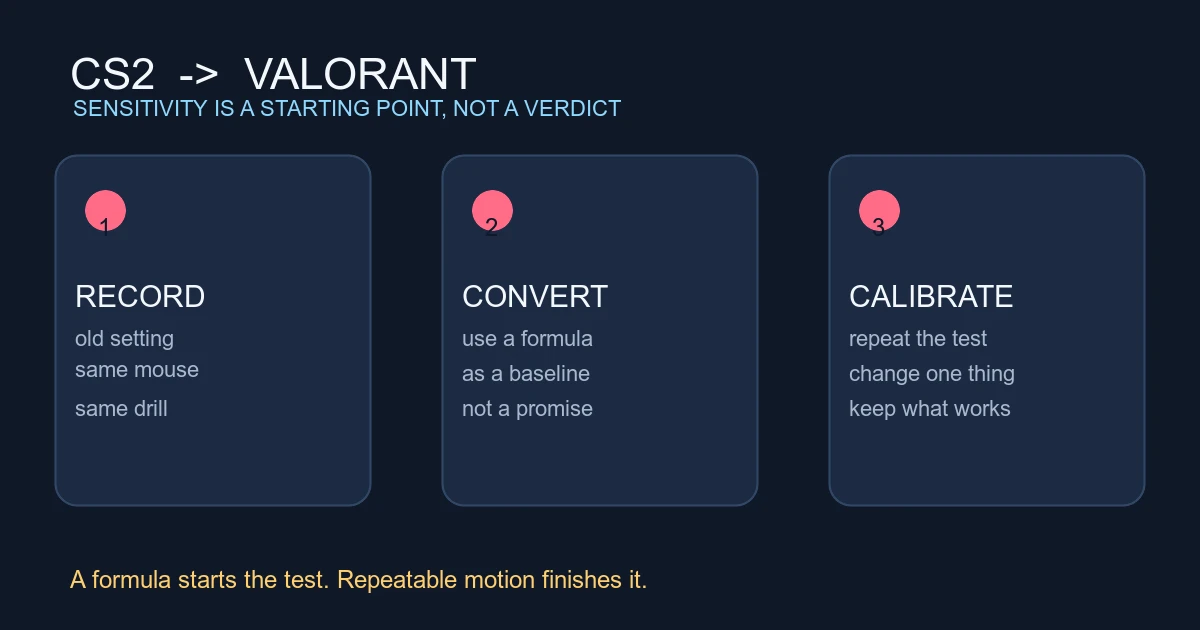
Write down your current resolution, aspect ratio, refresh rate, sensitivity, crosshair and display scaling. Take a screenshot of the in-client settings or note the values. The point is not to find a perfect laboratory. It is to know what changed when the game feels different.
Do not change resolution, sensitivity and crosshair at the same time. If the new image feels faster, you need to know whether the visual scale changed or your mouse setting changed. The sensitivity-between-accounts guide is useful when a setup feels different across displays or accounts.
What a stretched image can and cannot do
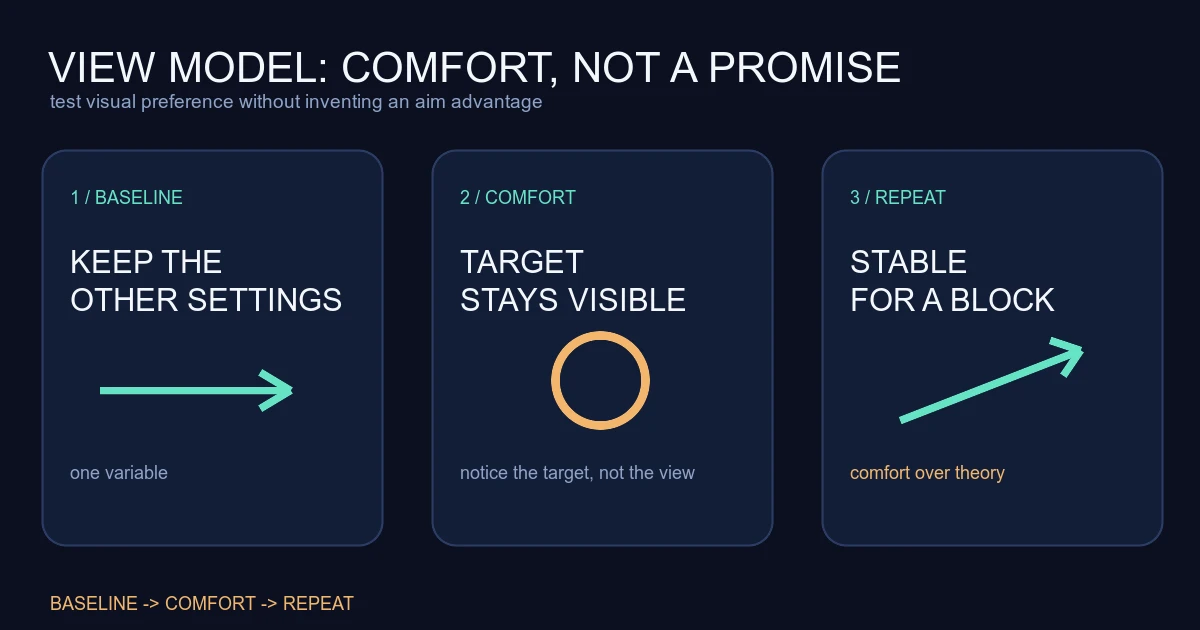
A stretched image can make models look wider on your screen. That may make a target feel easier to notice, but the game logic is not giving you a wider hitbox because the pixels changed. The visual tradeoff can also make long-range shapes, utility and the edge of the screen harder to read.
An aspect-ratio change may alter how much of the scene fits on the display or how the image is scaled. That is a comfort and information tradeoff. It is not a universal advantage. If you feel faster but miss the first adjustment, the setting may be helping attention while hurting precision.
Use the current Riot support instructions and your client as the authority for available options. This article does not establish a best resolution, an official competitive recommendation or a hidden performance rule.
Run the three-distance test
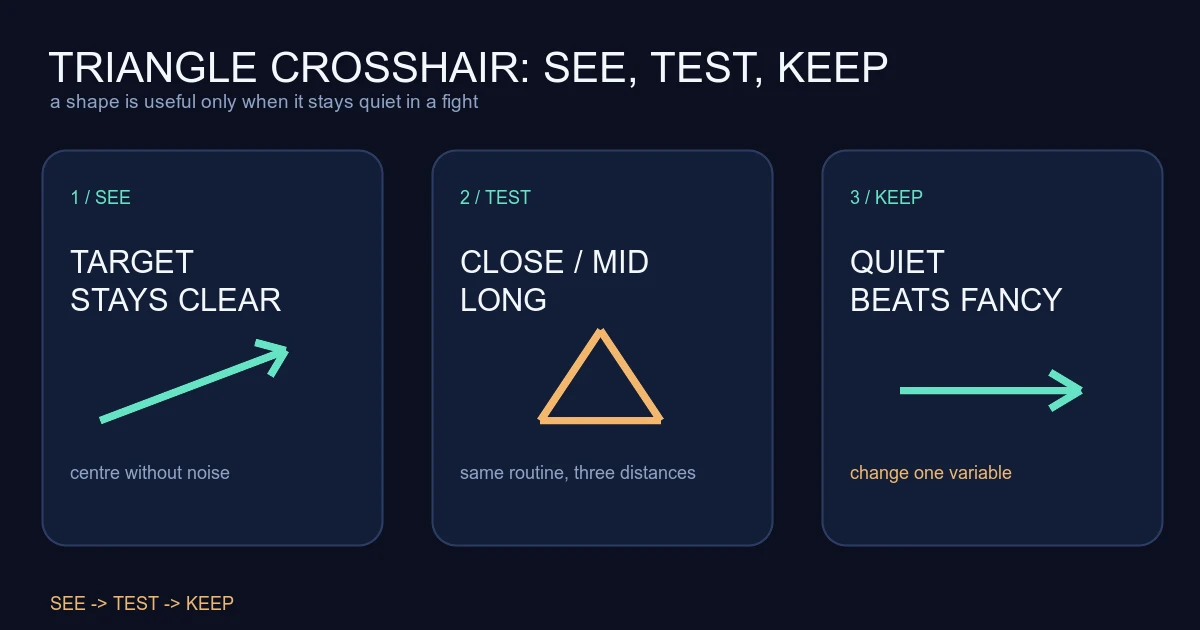
Use the same weapon, crosshair and sensitivity for each version. Test three distances:
- Close: keep the crosshair at head height while moving around a short route. Check whether the model remains readable when it fills more of the screen.
- Medium: stop before firing and track a target across the screen. Notice whether your first correction is clear or whether the image feels busy.
- Long: hold a narrow angle and inspect utility, outlines and target contrast. A setting that makes a close target obvious may make a distant target harder to separate from the background.
The crosshair-placement guide should stay in your review. If the crosshair starts low, changing the image can hide the problem for a moment without fixing the route habit.
Play a short deathmatch after the range test. Do not judge it by kills alone. Record whether you noticed the setting during duels, whether you lost targets in utility, and whether your first shot felt easier to place. The same routine is more useful than a single scoreboard.
Check performance separately
If your reason for changing resolution is performance, measure that separately from visual comfort. Check frame consistency, input feel and whether the display is actually using the refresh rate you expect. A higher average number is not the whole story if frame pacing becomes uneven or the image is difficult to read.
Riot's server-performance article discusses server frame targets and live performance monitoring. That information is about the game server, not a promise that changing your local resolution fixes a network problem. Keep local rendering, network routing and server behaviour as separate questions.
Give the setting a fair trial
Keep the new setting for a block of matches unless it blocks targets or causes an obvious technical problem. Write down three observations after each session: target visibility, first-shot clarity and comfort. Do not change it because one opponent had a good game.
If the image feels comfortable but your aim is still late, practise the angle order. If targets are visible but frames are uneven, troubleshoot the local performance path. If the setting keeps demanding attention, return to the baseline. The best option is the one that becomes boring.
Also check the practical parts of the setup. A display can be scaled by the monitor, the operating system or the game, and those paths do not always produce the same image. Keep the same refresh rate and window mode while comparing versions. If the picture looks stretched in one place and letterboxed in another, record that difference before drawing a gameplay conclusion.
Sources checked
- Riot Games VALORANT Support, checked 2026-08-14 UTC. Used as the current client-support reference for settings availability; it does not endorse a universal resolution or aspect ratio.
- Riot Games Beginner's Guide, published 2024-08-02 and checked 2026-08-14 UTC. Used for the wider principles of checking angles, movement and next-goal decisions.
The baseline, three-distance test, performance separation and stopping rule are Valorant Village coaching interpretation, not a Riot competitive recommendation.